

Everything is code. A deck, a spreadsheet, an edited video: behind every deliverable there is a structure a machine can write. AI video editing is the most spectacular demonstration of it.
Guillermo Rauch, CEO of Vercel, summed it up in four lines: a slide deck is code, design is code, a video is code again. Excel automation? Code too.

We do not see it because we handle interfaces (PowerPoint, Canva, Excel). But behind every deliverable there is a structure.
And now that Claude Code can write that structure for you, the list of tasks "reserved for experts" is shrinking fast.
I covered how to get started with the tool in my practical guide to Claude Code for non-developers.
Behind every kind of expertise there has always been a layer of machine-executable instructions. We do not see it, because software hides it behind buttons.
Interfaces hide the structure
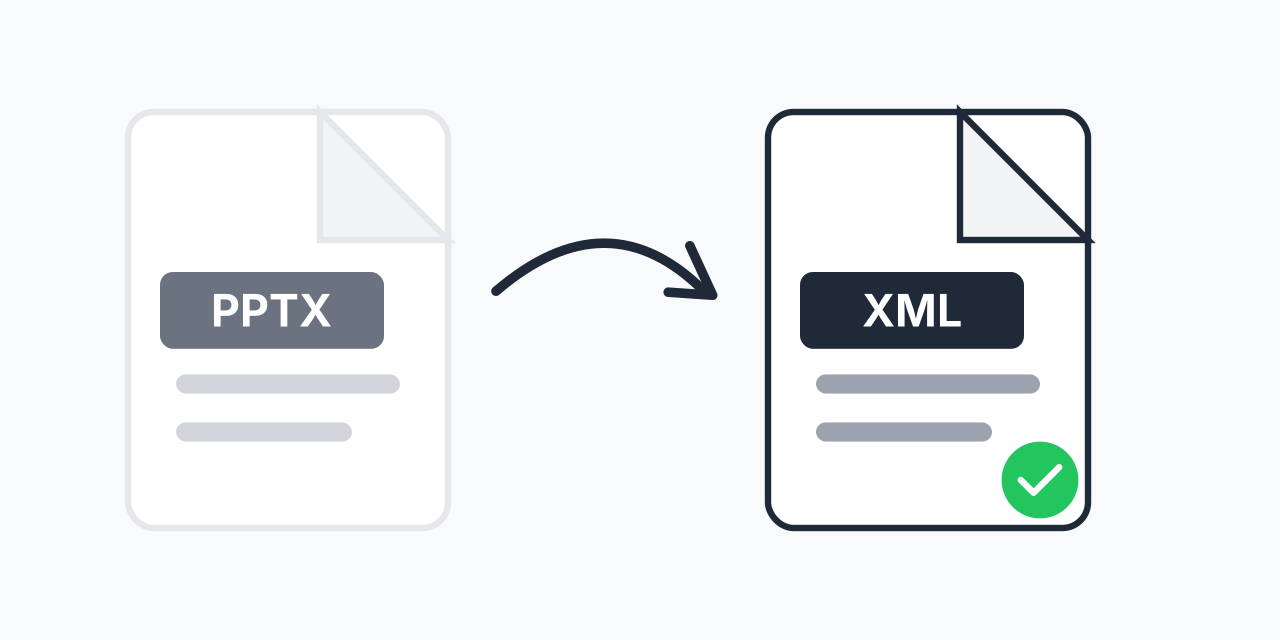
Try it: take a set of slides in pptx format, rename the file to .zip, and unzip it. You get a folder of XML files, one per slide, with the layout, the colours, the positions and the notes.
Same for a .docx and an .xlsx. They are ZIP archives of XML files, not magic objects.
And that is exactly how Claude works on your documents. The logic is brutally simple: unzip, edit the file for slide 2, zip again.
Interfaces are mostly html / css / javascript. AI models are very good at that. So we could use them for tasks that look creative, such as video editing.

AI video editing, the most revealing edge case
I deliberately take the example that looks the most creative and the most subjective: video editing. Everyone talks about video generation (Veo, Seedance, Kling) and the models have become impressive. But the next step, the one where everyone gets stuck, is the edit.
Adding animated text synced to the right timecode, burned-in subtitles, a branded intro, used to require After Effects or Premiere. Except that an edited video is a timeline. Layers, durations, positions. So a structure. So code.

The project that illustrates it best is HyperFrames, an open source framework built by HeyGen. You write a web page, an engine (Puppeteer plus FFmpeg) captures it frame by frame and encodes it into MP4.

Editing a video with Claude Code and HyperFrames in 4 steps
Concretely, here is how to edit a video with Claude Code and HyperFrames:
- Install the skills. The repo ships around twenty skills that encode the framework patterns Claude would not guess on its own. You can then use /hyperframes in your conversation.
- Prepare a folder with your media, images or videos in mp4 format (raw clips, visuals, logo).
- Ask for the storyboard before the video. You get the scenes, the copy and the shot intentions as a web page. You fix the copy right there, before launching a single render. That saves a lot of time, and a lot of tokens.
- Generate the edit, exporting the final MP4 files next to the source files.
At no point do you read the code. Claude Code handles all of it. Here is the render obtained from a single prompt on a video intro:
This is a basic prompt, with no instruction beyond "illustrate the video". With an optimised prompt you can go much further. Here, Claude handled:
- subtitles → subtitle generation, improving the transcript with a global understanding. For instance "Claude code" had come out as "Cloud code", and the tool fixed it.
- audio → normalisation to −14 LUFS (the YouTube target), 70 Hz high-pass, light compression, micro-fades on the 4 cuts.
- Camera → alternating tight and wide on every cut (which also hides the jump cuts), slow drifts within shots, quick punches on "ChatGPT" and "fou", zoom out when the barriers fall, intimate push on "j'ai été bluffé".
- Motion design → every element locked to the spoken word: a "CLAUDE CODE × n8n" hook on the opening, the 4 barriers (interface, nodes, workflow logic, mapping) stacked as chips, "AUTOMATISER / L'AUTOMATISATION" full frame, and so on
Pillow and MoviePy, the Python alternative
You can also go through libraries such as Pillow and MoviePy, two Python libraries.
- Pillow to manipulate images (resize, crop, convert, add text or filters)
- MoviePy to manipulate video (cut, concatenate, add sound, subtitles, transitions, export to MP4).
What to remember: the code, render, inspect, fix loop
This is where the real value of the subject sits, and it goes well beyond video. When you generate an image or a video, every new attempt is a roll of the dice. You rerun it, you get something else, you pick the least bad one.
When the deliverable is code, you enter a loop: Code → Render → Inspect → Fix. The spacing is off, you change the CSS. The text runs over the face, you shift the position. The animation drags, you adjust the timing.
With a clear goal and verification steps, Claude runs autonomously, and each iteration improves the artefact instead of starting over.
Going further: generated script, voice and avatar
You can go further than the edit, all the way up to generation:
- The script upstream → Claude writes and breaks the script into shots before any generation, respecting your tone of voice
- The voice → ElevenLabs (through voice cloning), or directly the HyperFrames media commands, which handle speech synthesis, transcription and background removal for transparent overlays.
- The avatar → HeyGen to put the script on screen. The progress on avatars is impressive.
If this workflow is of interest, I could produce a few minutes of fully AI-made video following this logic.
Should you hand your video editing over to AI?
Everything is code, but above all everything that is code is fixable, versionable, reusable. And therefore automatable.
Video editing is an extreme example because it is creative and subjective. The same logic works on a deck generated with Claude Design and exported to pptx, on a report, on a dashboard or on a spreadsheet.
If you want to apply this loop to your own deliverables, that is exactly the kind of project we scope in an AI audit at Tandem.
(To dig into the underlying shift, a16z published The Next Frontier of Visual AI Is Code on 2 June 2026, on this move from pixels to code.)


